Today & History
Save meals by date and meal type. See your day’s nutrition ranges and revisit previous entries.
 A meal journal with room for uncertainty
A little clarity,
one meal at a time.
Start with a meal photo. Review the food suggestions, adjust the portions, and keep a daily record with calorie and nutrient ranges you can understand.
Mobile-first web app / PWA · Active validation.
Live photo analysis requires sign-in and trial access.
From a photo to your record
AI offers a starting point. You check what is on the plate and confirm what goes into your journal.
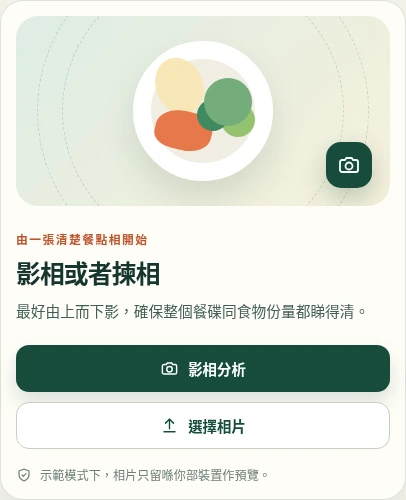
Take a clear photo or choose one from your device. Try to include the whole plate.
Check the suggested foods, calorie and macro ranges, confidence and what could not be identified.
Correct food names, portions or units, and add or remove items. Nutrition ranges update as you edit.
Confirm the meal, then keep track of your day in Today and revisit earlier entries in History.
A range tells you more
A photo cannot reveal exact weight, hidden ingredients or how much oil went into cooking. KcalCue shows ranges, confidence and uncertainty so you can judge the estimate.
Built around the everyday
Keep meal details organised, make corrections when you need to, and continue your journal across sessions.
Save meals by date and meal type. See your day’s nutrition ranges and revisit previous entries.
View downloaded records and add, edit or delete meals offline. Pending changes sync when the app is open and a connection returns. AI analysis needs a connection.
Use it in your browser or add the PWA to your home screen where supported. The interface adapts to phones, tablets and desktops.
Meet your next meal
KcalCue is in active validation. Live analysis and cloud records use a signed-in trial account. Demo Mode is clearly labelled, uses sample results and does not add them to your daily records.
Live photo analysis sends your image to an AI service. Check the app’s account and privacy information before using it.
Nutrition estimates are for general reference and are not medical advice.